Review the work: Accept or Request changes
Open the task, check the result in Details, then press Accept or Request changes. Every task includes 3 rounds of changes.
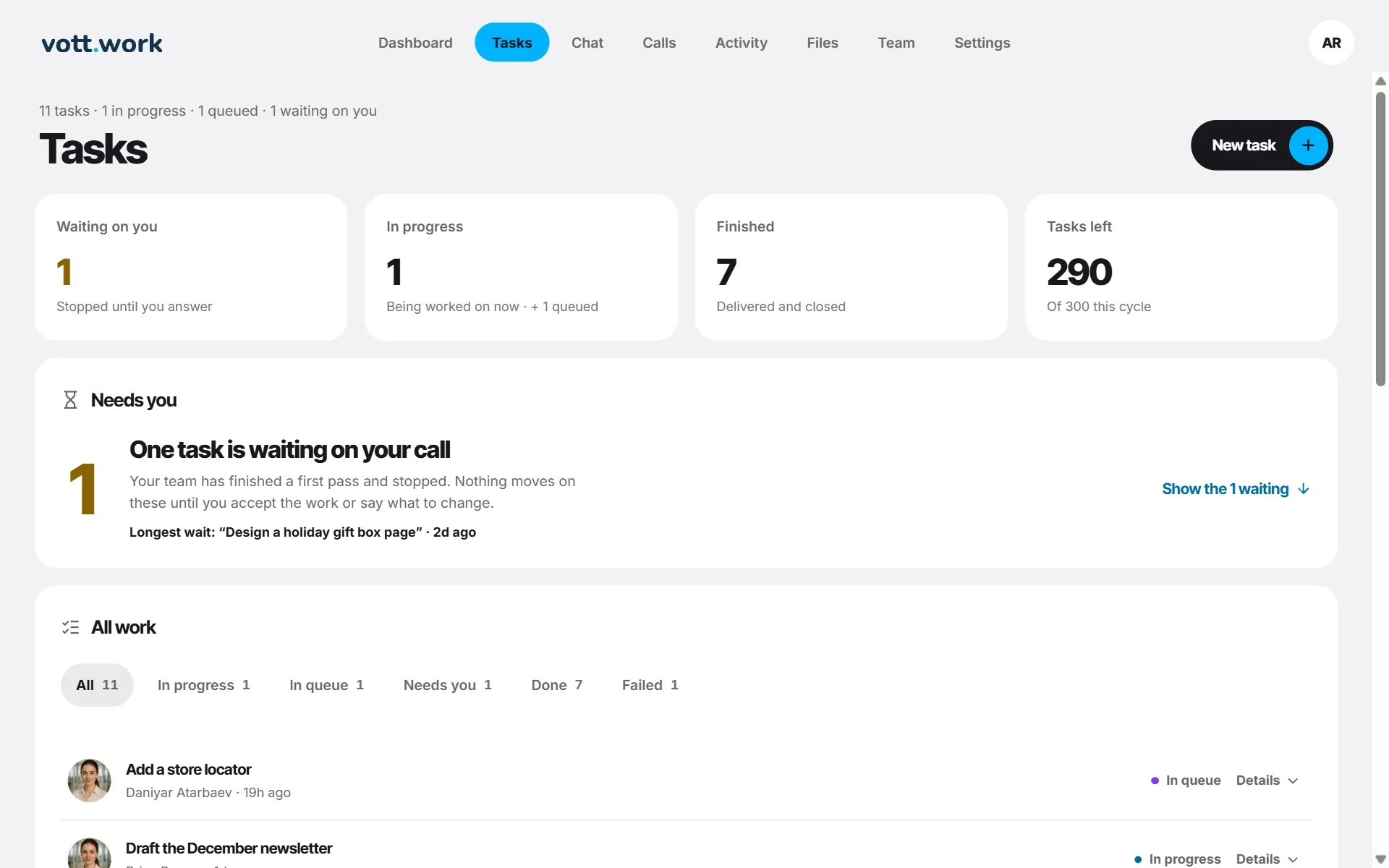
- Open the tasks waiting for you, or follow Ready for your review in Activity.
- Press Details to see the result. A document has Copy and Download. A page opens in a live preview with Open full preview, Download and Show the code. A code file has Copy and Download.
- Happy with it? Press Accept. The task moves to Done.
- Something to change? Press Request changes, say what should change (up to 4,000 characters) and press Send changes.
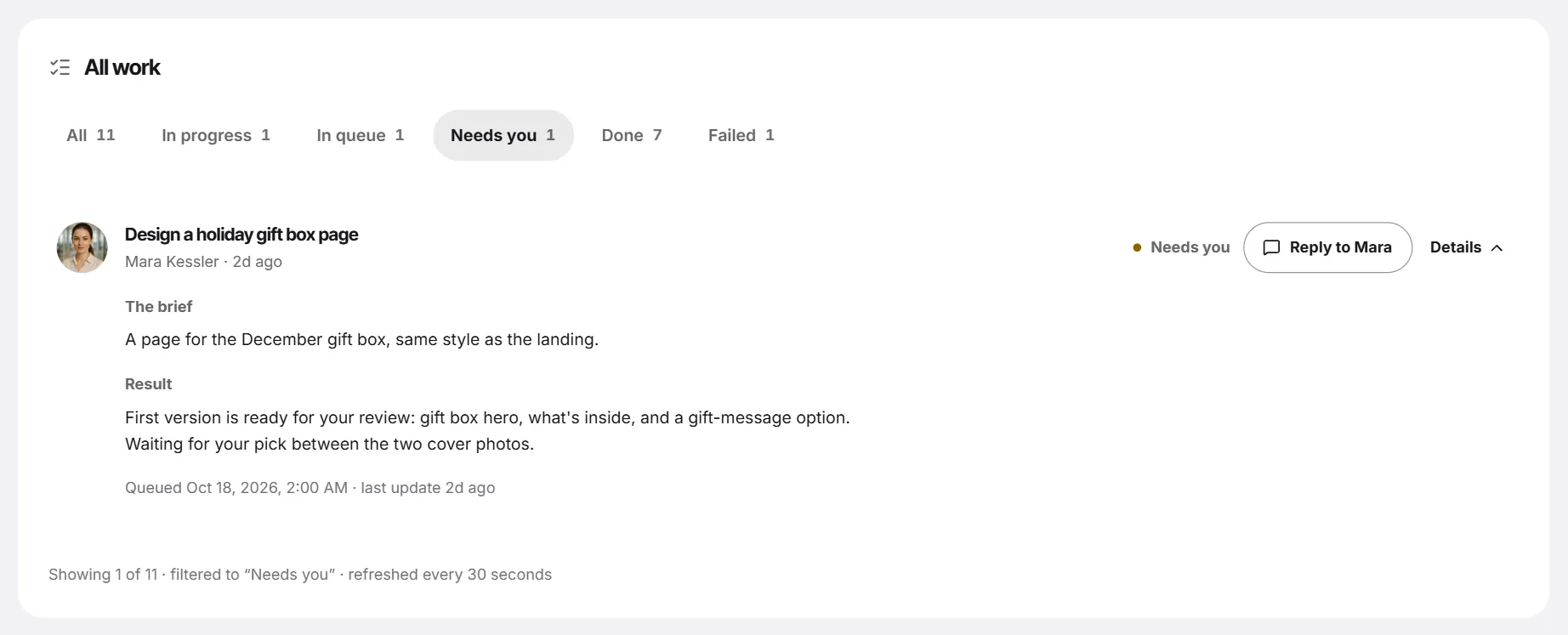
Rounds of changes
- Every task includes 3 rounds of changes. Details shows how many are left.
- Changes don't count as a new task, and they work even when you have no tasks left.
- While the new version is being written, the current one stays readable. The new one arrives as Needs you again.
- Earlier versions — up to 4 — stay under Earlier versions in Details, with Download.
- Used all the rounds? Ask the employee for a new task in chat.
- If a round fails on our side, the version you had stays, and the round is given back.
Some tasks — such as the sample tasks of a demo workspace — show Reply to … instead. It opens that employee's chat with “About …” already typed; nothing is sent until you press send.
Screenshots show a sample workspace, Northwind Coffee.
Still stuck?
Write to us and say what you were trying to do, what you expected and what happened instead. A screenshot helps.