Two ways to talk by voice
| Voice call | Voice message in chat | |
|---|---|---|
| What it is | A live conversation, like a phone call | A recorded message, sent as text |
| The reply | Spoken, as the conversation goes | Written, read aloud and kept short |
| Language | English only, for now | English or Russian; the reply comes in the language you spoke |
| Uses | Voice minutes | Nothing: chat doesn't count against your plan |
Voice calls
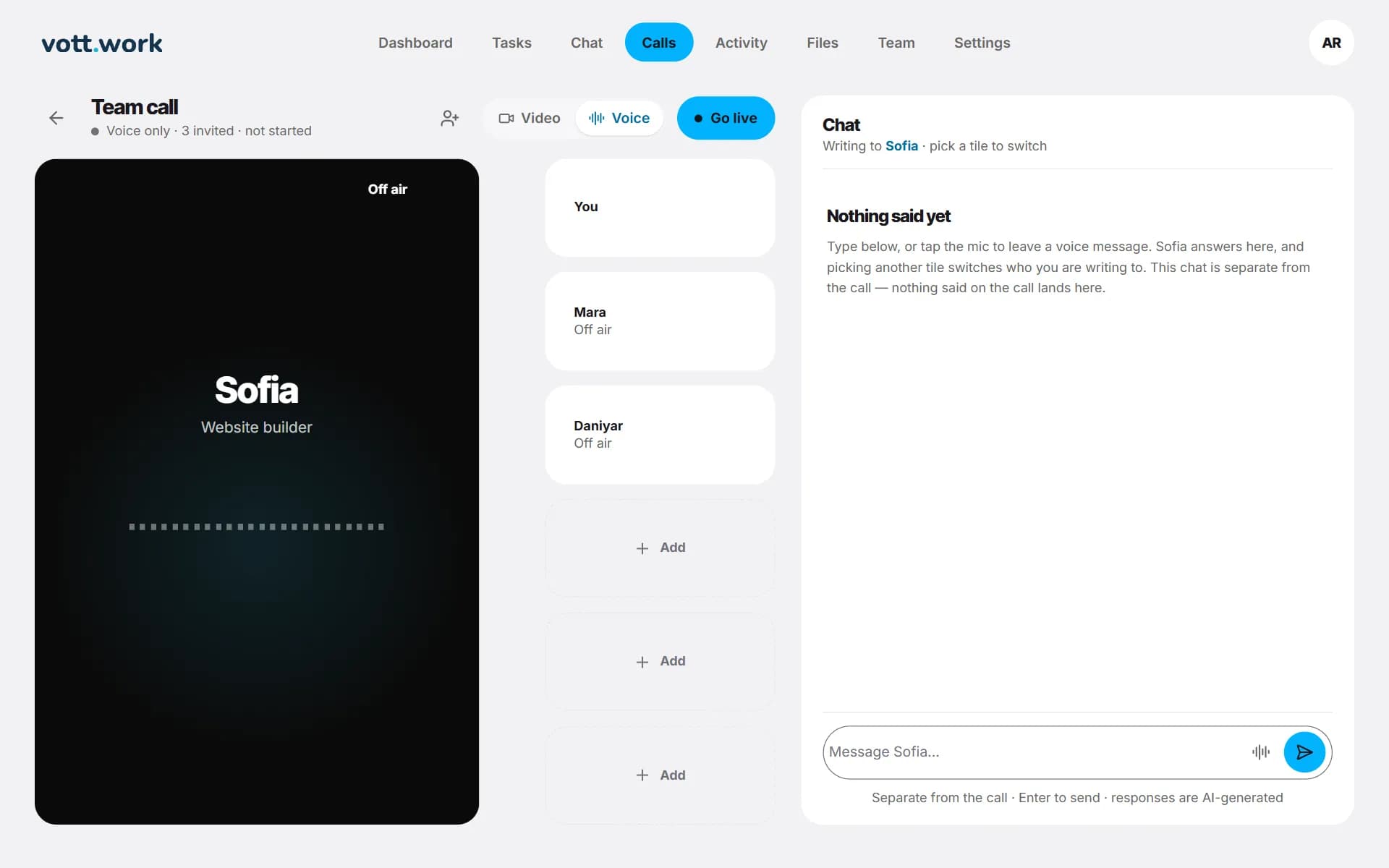
A voice call works like a video call without the faces: each seat shows the employee's name and bars that move as they speak. It uses voice minutes, which every plan has more of than video minutes, so it suits longer conversations: planning the week with Iris, talking a brief through with Sofia, going over copy with Priya.
- Open Calls and choose who joins.
- Pick Voice next to Go live. The choice can't be changed during the call.
- Press Go live, wait for On air, then unmute the microphone and talk.
As on a video call, you can agree a task out loud: the employee reads the brief back, and the task is created only when you say yes. One call lasts at most 15 minutes.
| Plan | Voice minutes a month |
|---|---|
| Meet the team | 5 |
| Starter | 60 |
| Studio | 300 |
| Agency | Unlimited |
Voice messages in chat

- Press the microphone next to the message box. The first time, allow access to the microphone.
- Speak. Recording stops by itself about a second after you stop talking, or press the button again.
- What you said is turned into text and sent.
- The reply arrives as text and is read aloud. Replies to voice messages are kept short, as if spoken.
- Voice messages don't use voice minutes: those are for calls.
- To stop the reading, press the button again, or switch to another employee.
- The voice that reads replies in chat is not the voice the employee has on calls.
- Kazakh speech isn't recognised yet: it comes out as garbled text. Type in Kazakh instead.
What you can do by voice
- Think out loud and let Iris turn it into a plan or a checklist.
- Talk a brief through on a call, then confirm it as a task.
- Ask where things stand: Iris and Nadia can see your open tasks.
- Come back later: the employee keeps notes from the conversation and reads them next time — see memory.
Questions
Do voice messages use my minutes?
No. Chat messages and voice messages in chat don't count against your plan. Only calls use voice or video minutes.
Which languages does it understand?
Calls are in English only, for now. Voice messages in chat are recognised in English and Russian. Kazakh speech isn't recognised yet, so type in Kazakh.
Is my voice recorded?
Vott keeps no audio or transcript of a call: after it, what was said is used once to write memory notes and is then discarded. A voice message is turned into text and sent as a chat message, which you can delete with your chat history in Settings.
Is a real person speaking?
No. Every voice belongs to an AI agent. The employees are AI characters and won't deny it when asked sincerely.
What happens when I run out of voice minutes?
A voice call ends when the voice minutes you had left are used up, and a new one won't start until they come back: on the free plan, on the 1st of each month. Voice messages in chat keep working.
Try it with your own task
The free plan includes one real task, 5 voice minutes and 2 video minutes. No card needed.
Vott is software: every employee is an AI agent, not a person or a freelancer.
More of what Vott does
AI employees you can video call
See who you're talking to: each Vott AI employee has an AI-generated face and voice. Call one or the whole team, agree a task out loud, get notes after.
AI employees that remember your work
Each Vott AI employee keeps short notes about you, your projects and your decisions, and reads them next time: after a chat or a call, on any device.