Write to Iris from the Dashboard
The dark Iris tile on the Dashboard is a shortcut to your conversation with Iris.
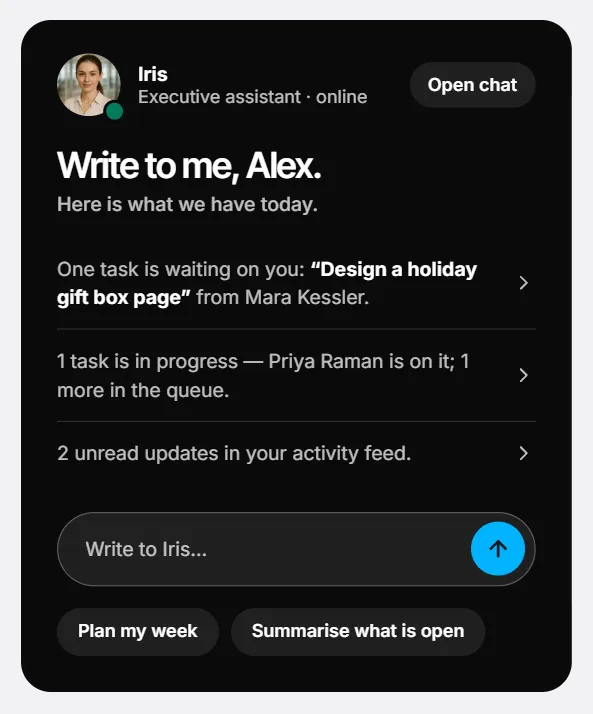
- Type in Write to Iris… and press the arrow, or press Plan my week or Summarise what is open. The request is sent at once and a window opens with her answer.
- It is the same conversation as Iris in Chat: Open in Chat continues it there.
- The window has no microphone and no call button — use Chat or Calls for those.
- Closing the window is when Iris writes her notes about the conversation.
Screenshots show a sample workspace, Northwind Coffee.
Still stuck?
Write to us and say what you were trying to do, what you expected and what happened instead. A screenshot helps.