Reset a forgotten password
Press Forgot password? on the sign-in page, enter your email and follow the link we send.
- On the sign-in page press Forgot password?, or go straight to Reset your password.
- Enter the email you signed up with and send the form.
- Open the link from the email and set a new password.
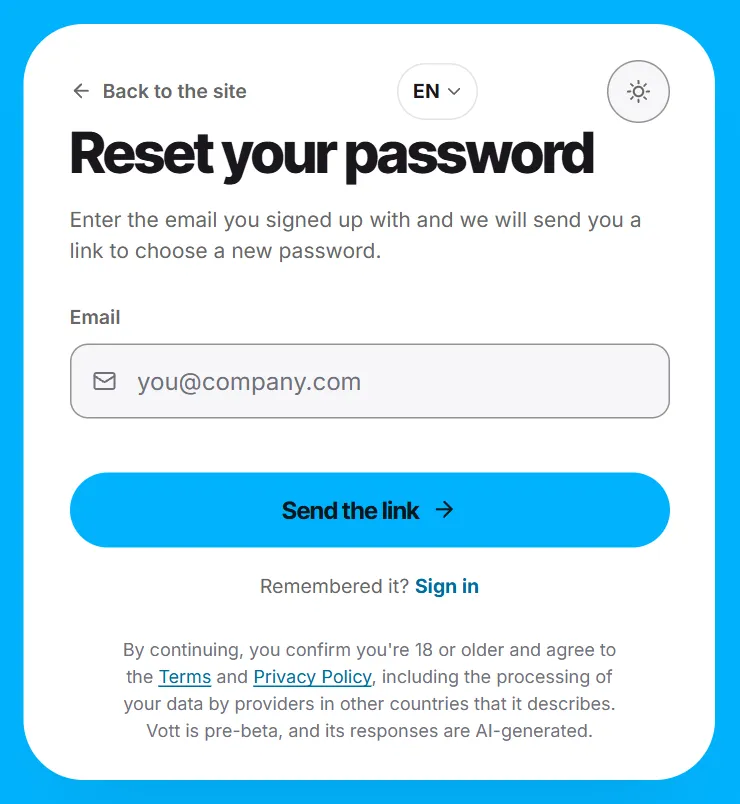
- The page shows the same message whether or not an account exists for that address — that protects your privacy.
- Setting a new password signs you out on your other devices.
Screenshots show a sample workspace, Northwind Coffee.
Still stuck?
Write to us and say what you were trying to do, what you expected and what happened instead. A screenshot helps.