Find finished work in Files
Files collects everything your team has handed back, in a folder for each employee.
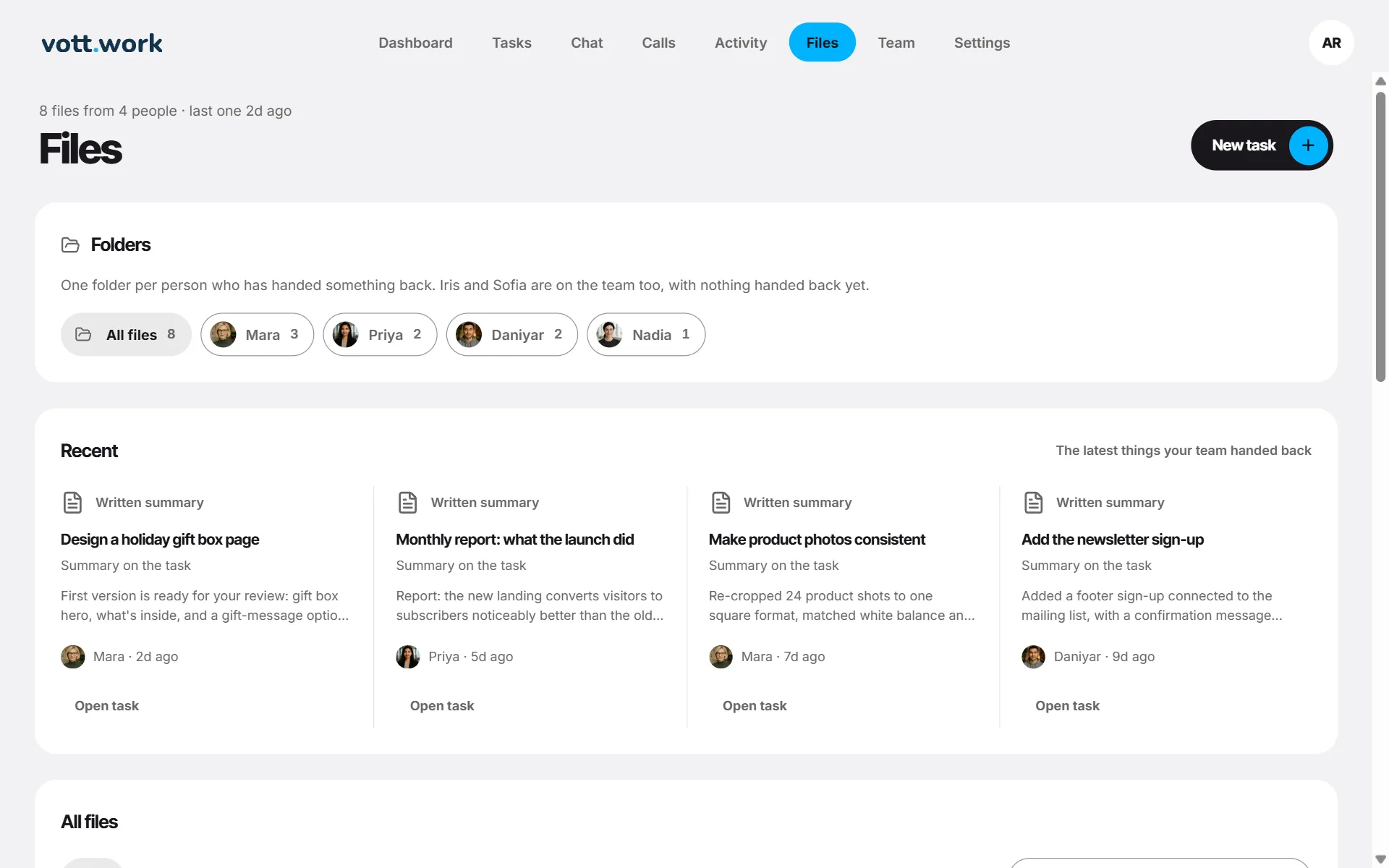
- Folders — one for each employee who has handed something back, plus All files.
- Recent — the latest things your team handed back.
- All files — a list you can search, filter by kind (documents, pages, code files) and sort.
- Open takes you to the task, where the result is shown in full with Copy and Download.
Files shows work from your latest 200 tasks; failed tasks are not files. In a chat, Deliverables shows the same for one employee.
Screenshots show a sample workspace, Northwind Coffee.
Still stuck?
Write to us and say what you were trying to do, what you expected and what happened instead. A screenshot helps.