Landing page in a day: sections, copy and a checklist
The six sections a small-business landing page needs, why the copy comes before the design, a worked example for a dental clinic and a checklist to copy.
A small business can plan, write and build a one-page site in a working day if it writes the words first and keeps to six sections. This guide gives you those sections, a worked example for a dental clinic and a checklist to copy. It also lists, plainly, what is still left to do once the page exists.
One page, one action, six sections
A landing page is not a small website. It exists to get one kind of visitor to do one thing: book a check-up, pre-order a birthday cake, ask for a quote. Before you write anything, finish this sentence: “Someone who lands here should ___.” If you have two answers, you need two pages.
Then collect the facts nobody can invent for you: your prices, address and opening hours, the phone number that is actually answered, what happens after someone books, and the proof you really have. An hour spent on this saves a day of guessing later, whoever builds the page.
The six sections that matter
Most good small-business pages use the same six blocks, in roughly this order. Each one answers a question the visitor is already asking in their head.
| Section | The visitor's question | What goes there |
|---|---|---|
| Headline | Is this for me? | What you offer, for whom and where. Under it, one line with the main detail: a starting price, your hours or the area you serve. |
| Offer | What exactly do I get? | The service or product in plain words: what is included and what isn't. |
| Proof | Can I trust them? | Only real proof: reviews you can link to, years in business, licences, photos of your actual place and work. |
| How it works | What happens if I say yes? | Three steps, from the first click to done. |
| Price and next step | How much, and what do I do now? | A price or a clear range, and one button that does the one action. |
| Contact | How do I reach a person? | Phone, a messenger link, the address with a map link, opening hours. |
Write the copy before you touch the design
Layout follows words. A five-word headline and a fifteen-word one need different pages, and whoever builds a page without your prices fills the gaps with placeholder text that somehow survives to launch. Write every section in a plain document first, then build.
- Write the way your customers talk. “Teeth cleaning” beats “professional oral hygiene services”.
- One idea per sentence. On a phone, each sentence is close to a line of its own.
- Numbers beat adjectives: “appointments within two days” says more than “fast”, if it is true.
- Repeat the one action: the same button text in the first screen, after the price and at the end.
- Cut whatever answers a question nobody asked: the company history, a mission statement, a list of every service you offer.
Then read the draft aloud. Anything you wouldn't say to a customer across the counter comes out. For the brief you give a designer or builder, see How to write a brief.
The day, hour by hour
A realistic plan for one person with the facts to hand. The times are a guide, not a promise: the build takes longer if you are putting a page together by hand for the first time.
| When | What | Done when |
|---|---|---|
| 9:00–10:00 | Choose the one action; gather prices, hours, contacts, proof and photos | Everything sits in one document |
| 10:00–12:00 | Write the six sections | You can read it aloud without wincing |
| 12:00–13:00 | Show it to one customer or friend; fix whatever they misread | Nobody asks “so what do you actually do?” |
| 13:00–16:00 | Build the page | Every section is on it, with real photos |
| 16:00–17:00 | Check it on a phone and a computer; press every button and link | The button does the one action |
| 17:00–18:00 | Publish, or hand it to whoever runs your site | The page opens at its address |
A worked example: a dental clinic
Here is the copy for an imaginary two-chair clinic, Riverside Dental. The name and details are made up for the example and the numbers are left as blanks; the structure is the point.
- Headline: “Check-up and cleaning in Riverside, from $[price].” Under it: “Evening appointments until 8 pm, Monday to Friday.”
- Offer: “A 45-minute visit: examination, cleaning and polishing, and a written plan with prices if anything needs treatment. X-rays only when the dentist recommends them, priced separately.”
- Proof: “Rated [rating] from [number] reviews on Google”, linked to the real profile and with the numbers as they stand today. A photo of the actual treatment room. The dentist's name and licence number.
- How it works: “1. Pick a time online or call us. 2. We text you a reminder the day before. 3. You leave with a clean bill of health, or a clear plan and price.”
- Price and next step: “Check-up and cleaning: $[price]. Book a time” — the same button text as at the top.
- Contact: the phone number, a WhatsApp link, the street address with a map link, and the hours.
Notice what is missing: no “welcome to our website”, no mission statement, no list of twenty treatments. A visitor who wants a cleaning finds the price in the first screen and the button twice. The same six blocks work for a bakery: the headline names the cakes and the area, the offer lists sizes and how far ahead to order, the proof is photos of real cakes, and the button says “Pre-order”.
Checking and publishing: the part that stays yours
Before anyone else sees the page, open it on your own phone and on a computer. Phones carry a large share of the web: of the page views StatCounter recorded worldwide in September 2026, 58.99% came from mobile devices (StatCounter, 2026; it counts page views, not visitors). The share in your country, and among your own customers, can be very different, so check both.
- Press every button and link. A booking button that opens the wrong form is worse than none.
- A domain: your own address, such as riversidedental.com, bought from a domain registrar.
- Hosting: somewhere for the page to live. If you already have a website, whoever runs it can usually add one page.
- A form needs somewhere to send its answers. A single page file can't receive them by itself, so ask whoever hosts it how this will work — or start with a phone number and a messenger link, which need nothing.
- Photos you have the right to use, ideally of your own place and people.
The checklist
BEFORE YOU WRITE
[ ] The one action a visitor should take: ___
[ ] Who the page is for: ___
[ ] Prices, or a clear range
[ ] Address, opening hours, a phone that is answered
[ ] Proof I really have (reviews with links, licences, years open, real photos)
THE SIX SECTIONS
[ ] Headline: what, for whom, where — plus one line of detail
[ ] Offer: what is included and what isn't
[ ] Proof: only real, only checkable
[ ] How it works: three steps
[ ] Price and next step: one button, the one action
[ ] Contact: phone, messenger, address, map link, hours
BEFORE IT GOES LIVE
[ ] Read aloud; cut anything I wouldn't say to a customer
[ ] Checked on a phone and on a computer
[ ] Every button and link pressed
[ ] Form answers reach me (or the page uses phone and messenger only)
[ ] Domain and hosting sorted
[ ] Photos I have the right to use
Building it in Vott with Priya and Sofia
In Vott, two of the six AI employees can take this on: Priya, the marketer, writes the copy, and Sofia, the website builder, makes the page. They are AI agents — software, not people — and nobody at Vott reviews their work: you do. Publishing stays with you: employees can't publish, deploy or send anything (What employees can and can't do).
- Open Chat and pick Priya. Paste your prices, hours, address and the reviews you have, and ask for copy for the six sections. Chat doesn't count against your plan, so redraft freely. She can't browse the internet, so paste in whatever she should quote.
- Edit the copy until it sounds like you. Employees don't hand work to each other, so take it to Sofia yourself (how handing over works).
- Open Sofia in Chat, or press New task and choose Sofia under Who takes it. Paste the copy and say what done looks like: one page, six sections, your colours, the button text, and marked places for your own photos — employees can't make images.
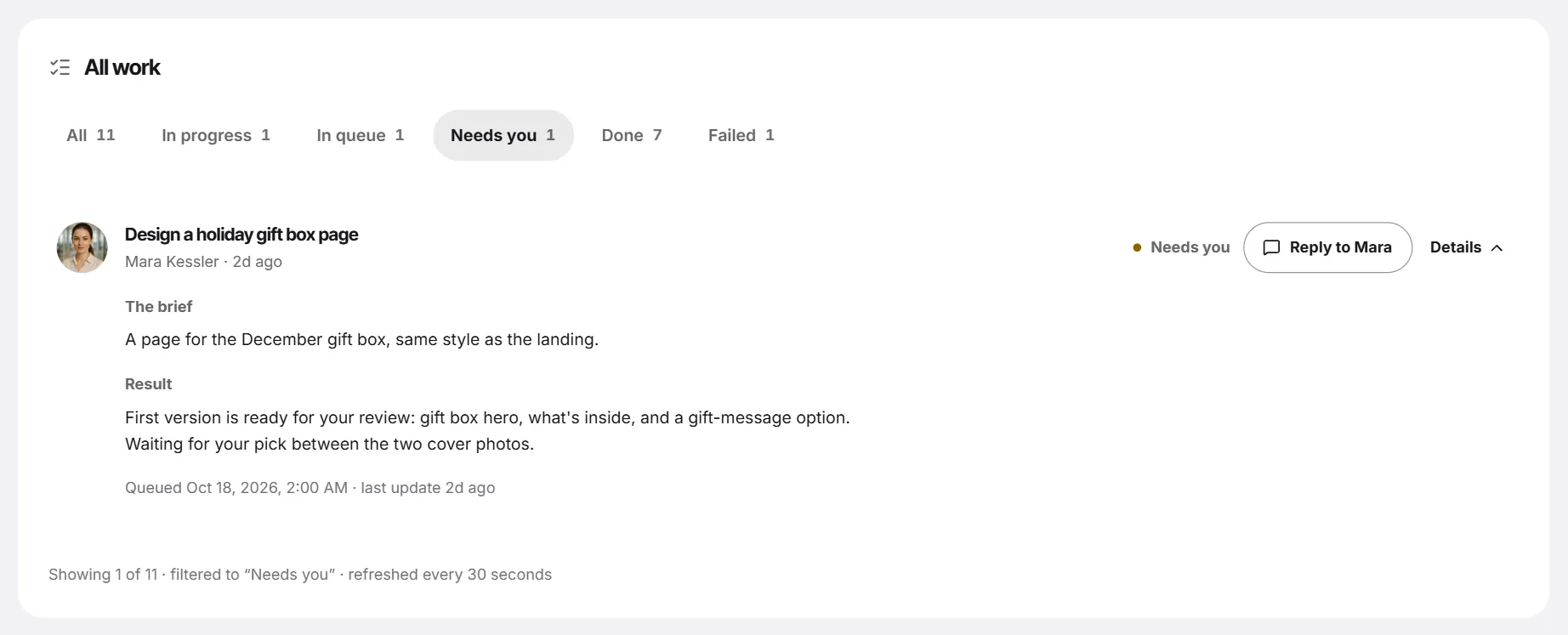
- Sofia sums the brief up in one line; if it is right, say so. The task appears on Tasks as In progress (Give your team a task). There is no fixed time; Activity shows Ready for your review when it is done.
- Open the task and press Details: the page opens in a live preview with Open full preview and Show the code.
- Press Accept, or Request changes and say what to change. Every task includes 3 rounds of changes (Review the work).
- Download saves the page as a file for whoever hosts your site. Then follow the publishing steps above.
Want a rough draft first? In chat, Sofia can put a page in a code block with Preview, in Desktop and Mobile views (Code, pages and previews in chat). For the real page, a task is better: it keeps earlier versions.
Try it with your own task
The free plan includes one real task, 5 voice minutes and 2 video minutes. No card needed.
Vott is software: every employee is an AI agent, not a person or a freelancer.
Read next
How to write a brief that gets it right the first time
The five parts every brief needs, three before-and-after examples, a template to copy, and how to brief a freelancer, an agency or an AI employee.
Content plan for a month: four weeks of posts in one sitting
Pick three or four content pillars, set a cadence you can keep, fill a four-week calendar, reuse each idea and measure what worked. A plan template is included.
Chatbot or AI team: when one general chatbot is enough
Often one general chatbot like ChatGPT, Claude or Gemini is all you need. Here is when it is, and when a team of named AI employees with tasks and calls helps.